Visual renewal calendar
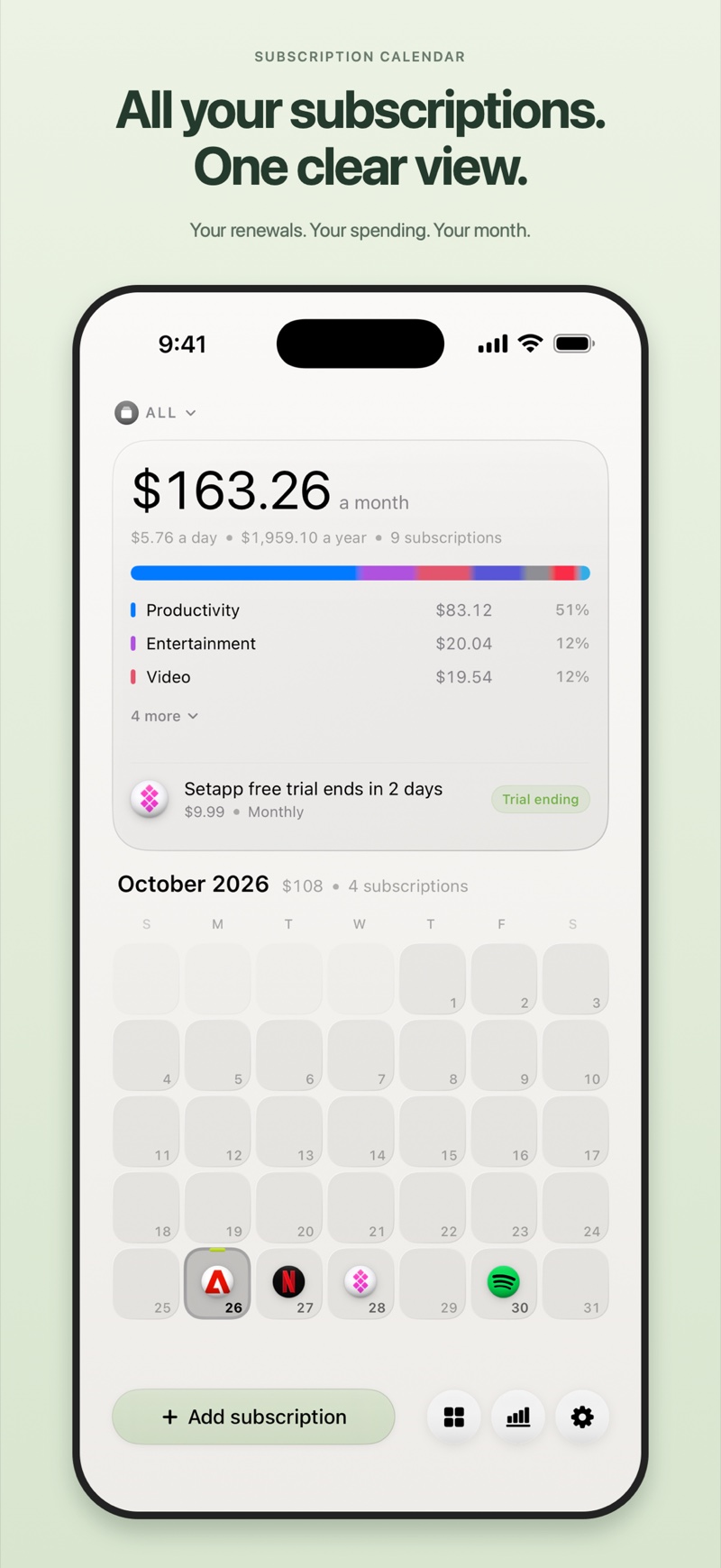
See upcoming payments by date with recognisable service logos. Select a day to review its renewals or add a subscription.
Subscriptions & Renewals

All your subscriptions. One clear view.
Your subscriptions, upcoming renewals, and recurring spending in one clear calendar. Stay ahead with reminders, insights, and widgets on iPhone and Mac.
A closer look
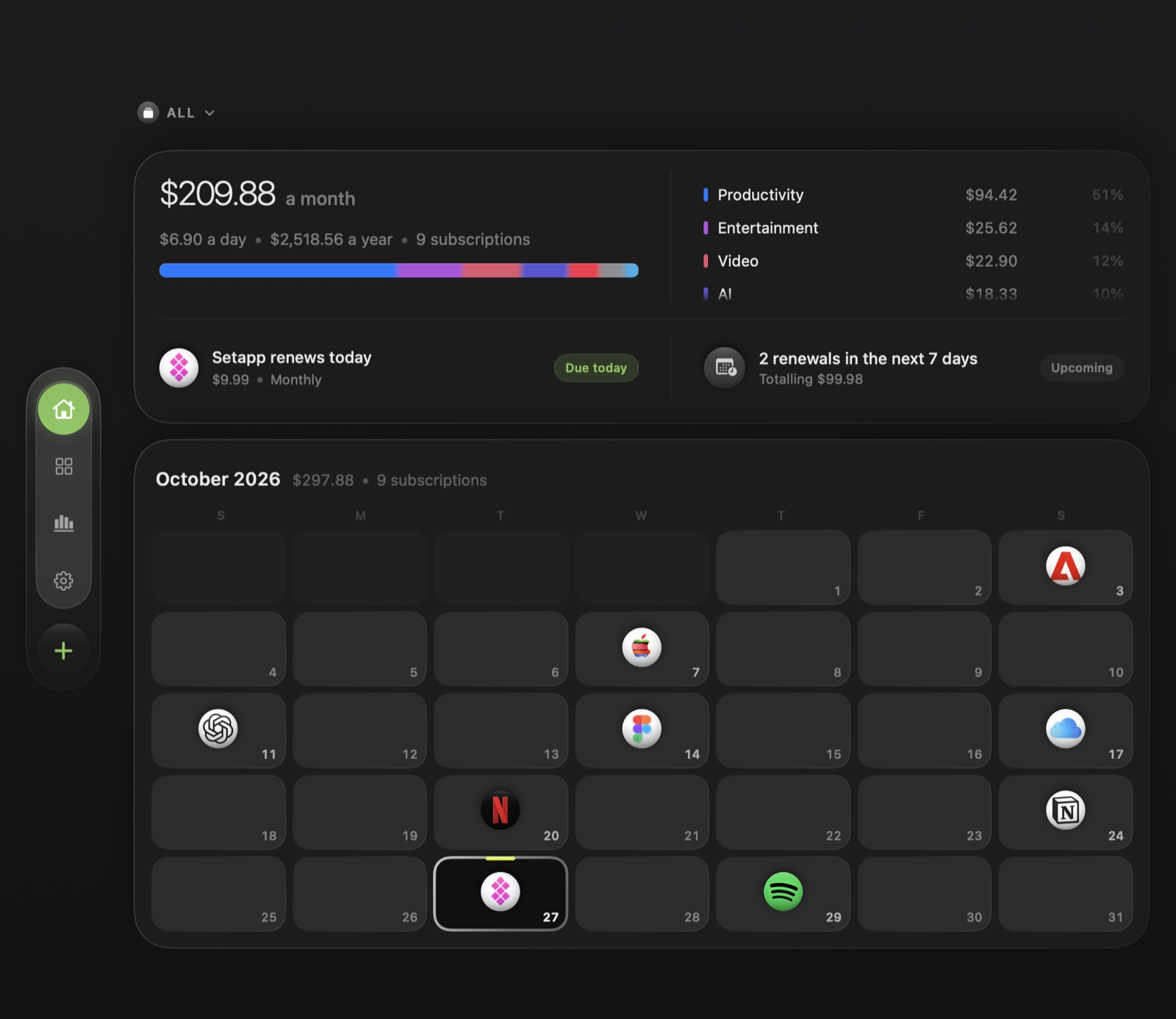
Every renewal has its place. Recognisable service logos turn your calendar into a clear picture of what’s coming, so you can see a busy week before it arrives.
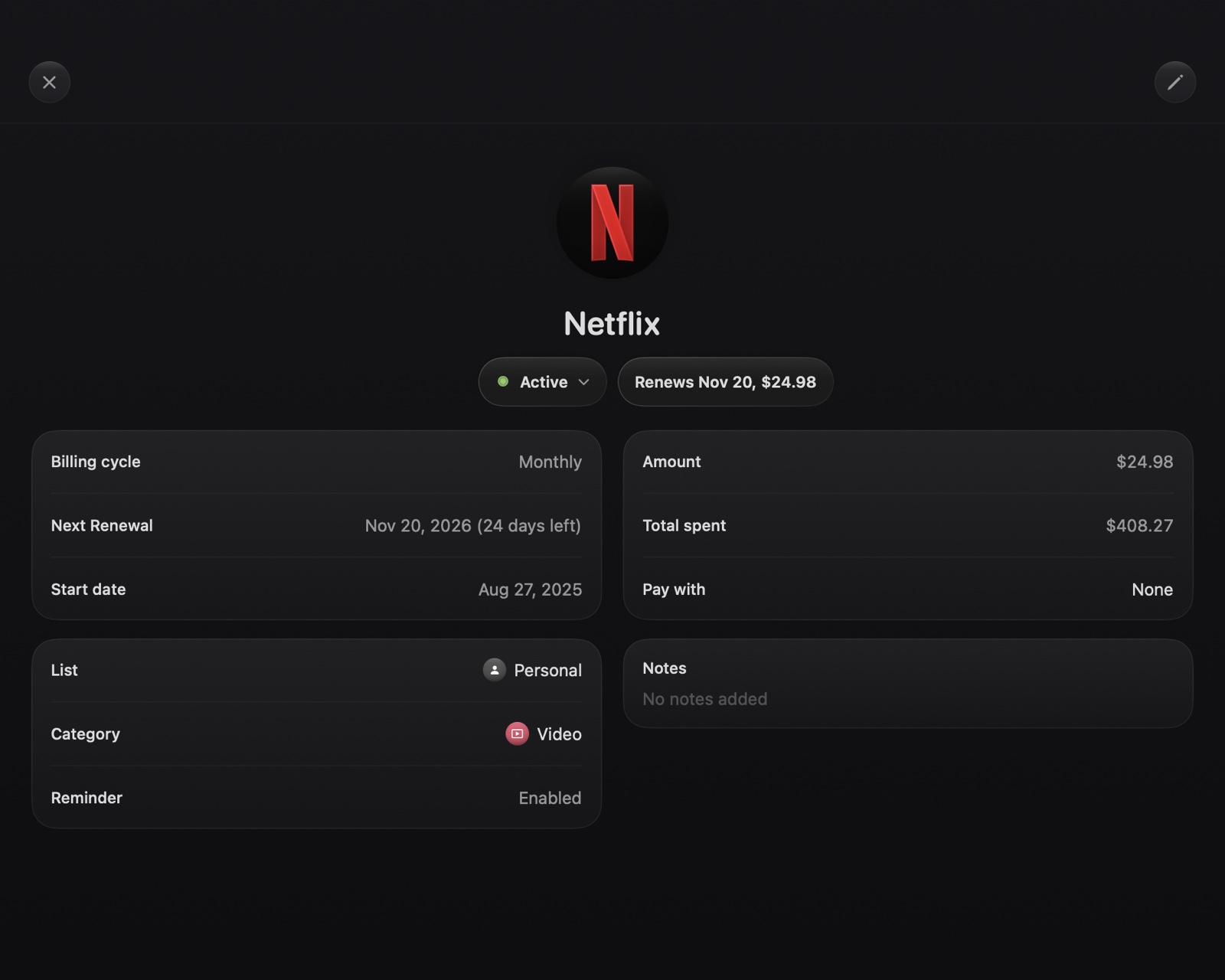
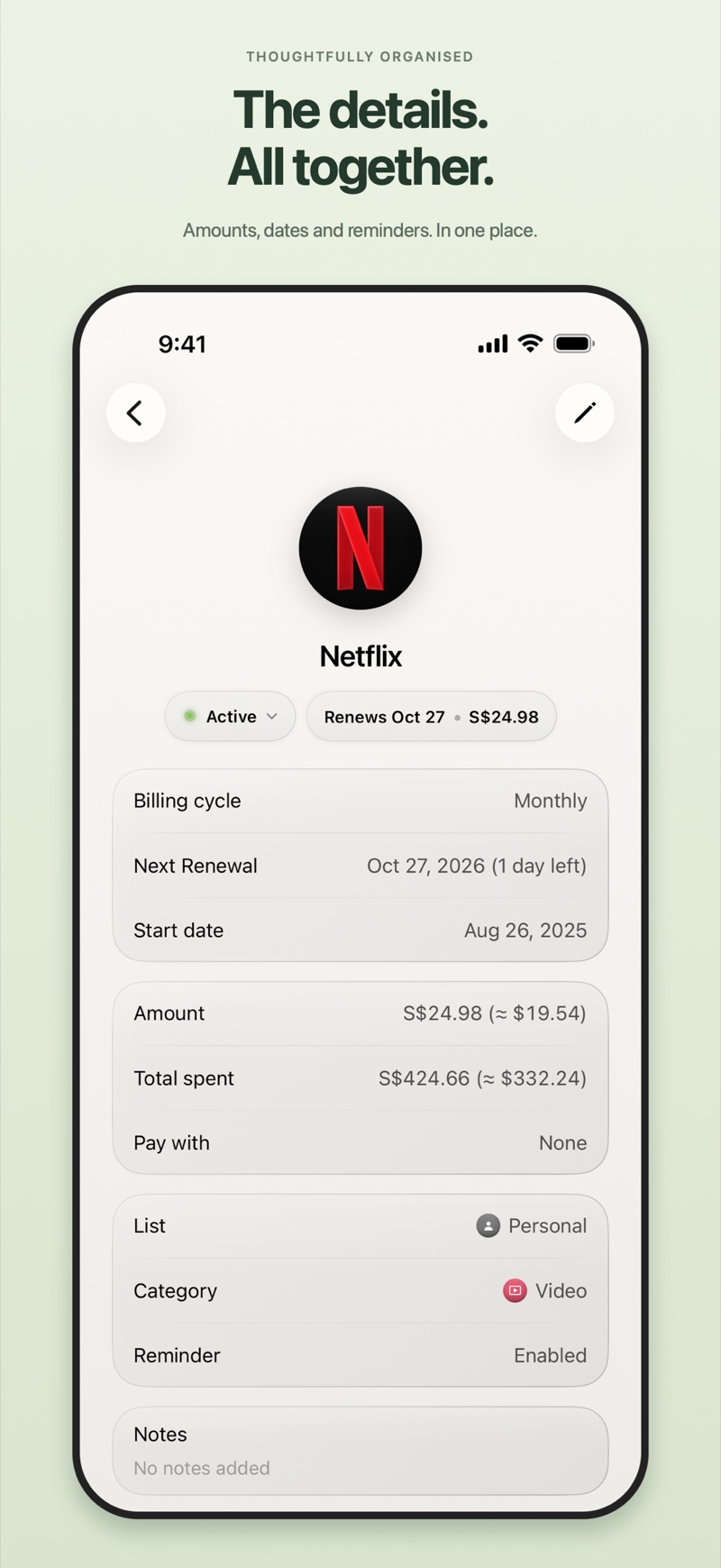
From a new service to an old favourite, keep the price, billing cycle, payment method, and notes in one place. Track trial ends, planned cancellations, and how long your access lasts.
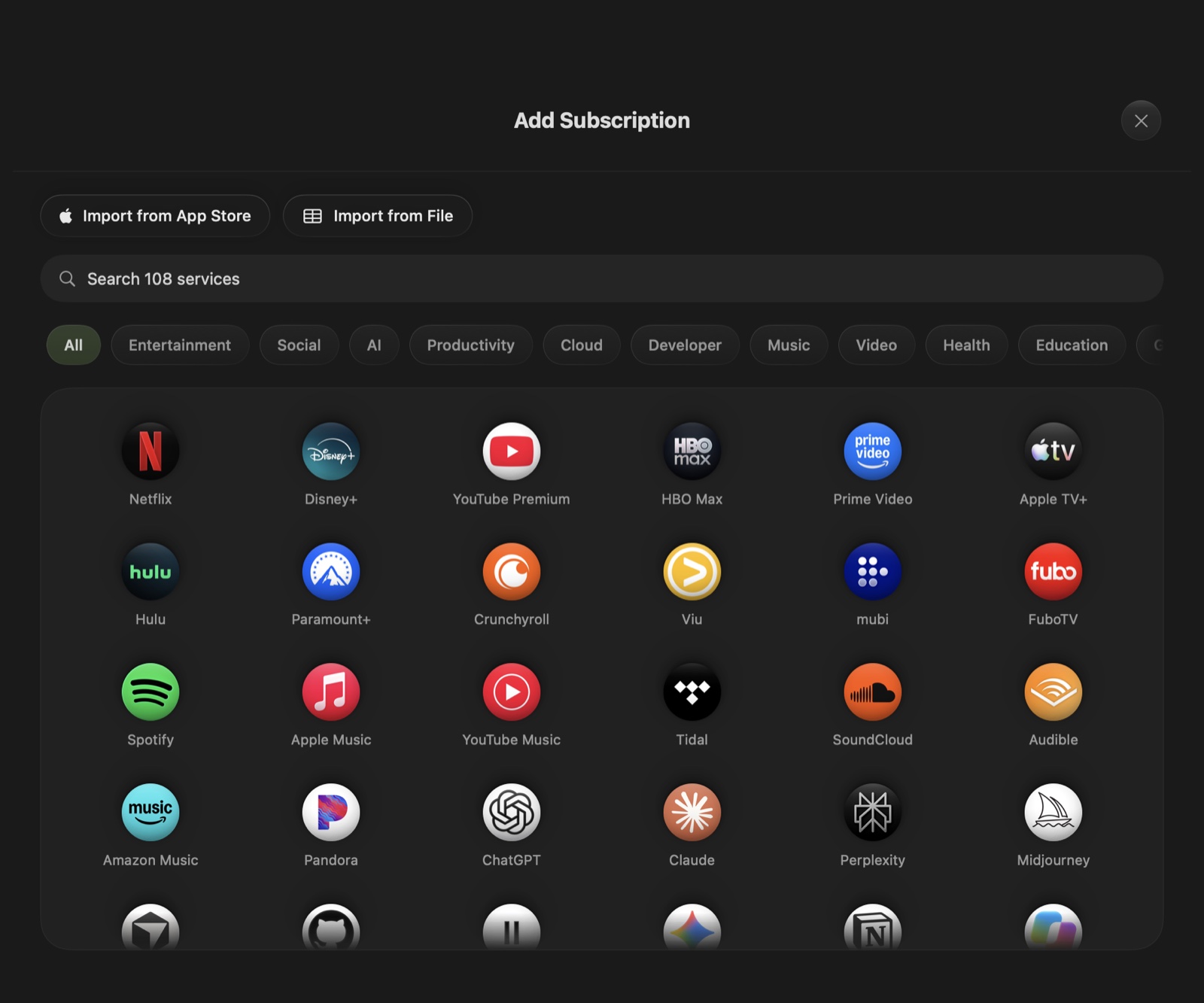
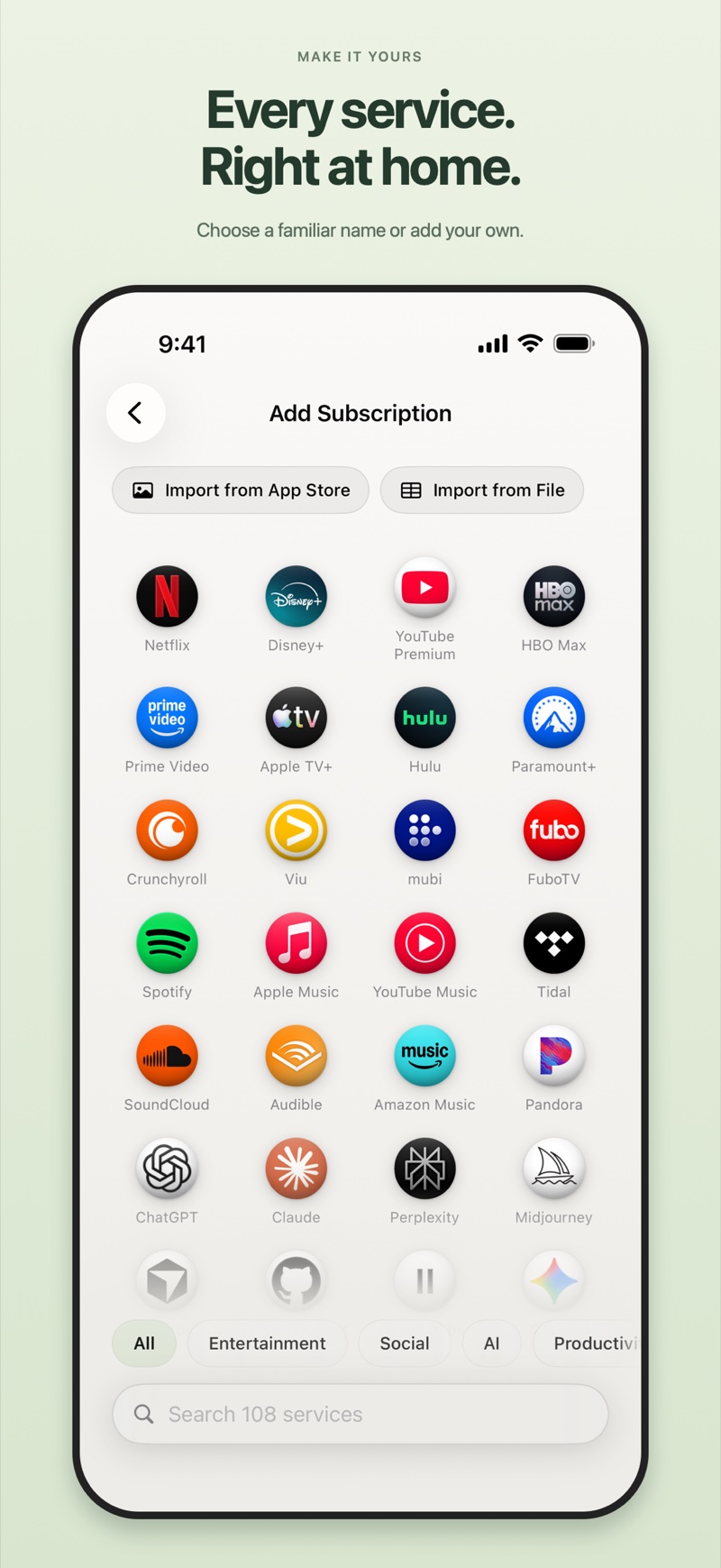
Choose a familiar name from the catalogue or add one of your own. Keep its logo, amount, currency and billing schedule together from the start.
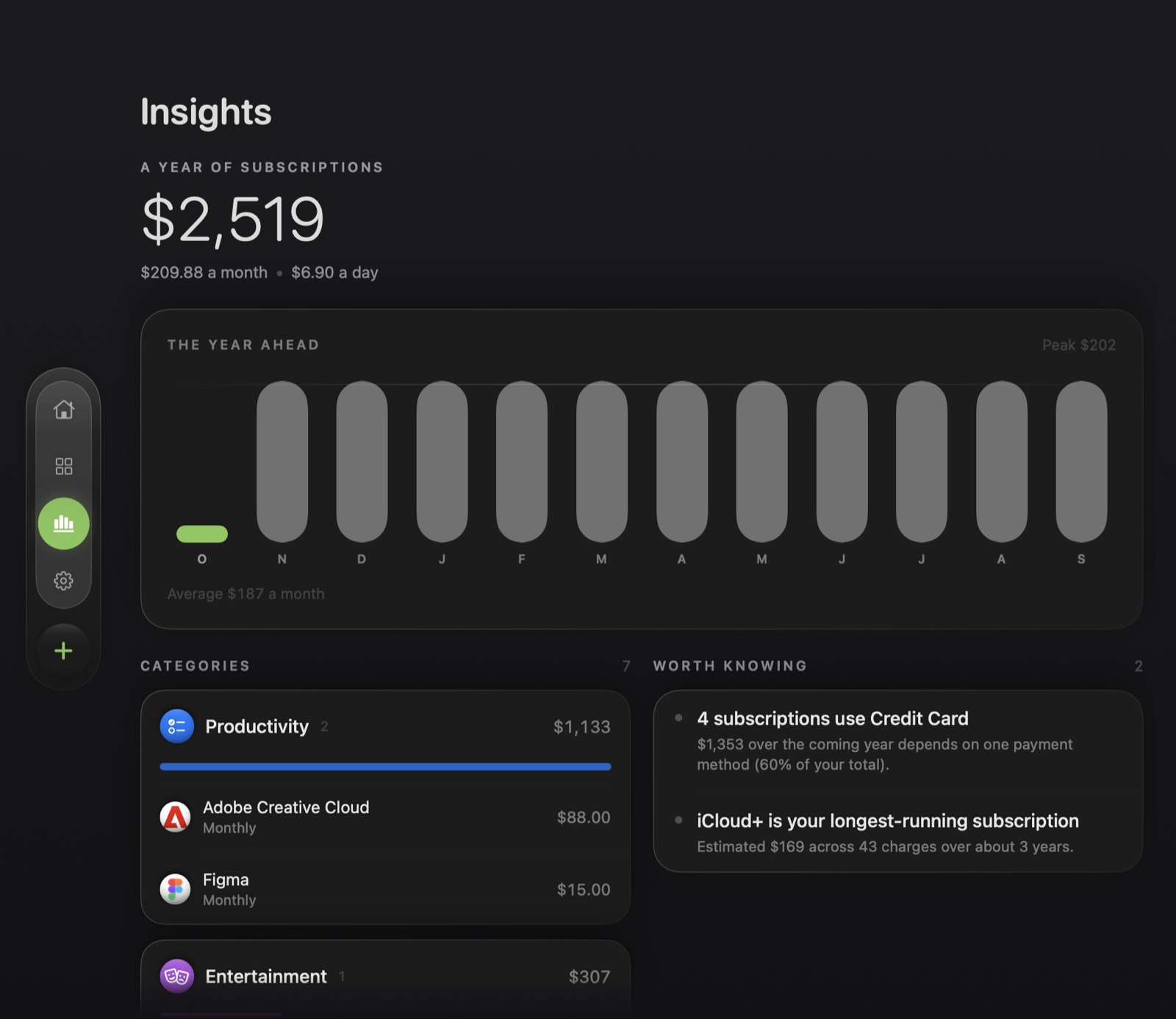
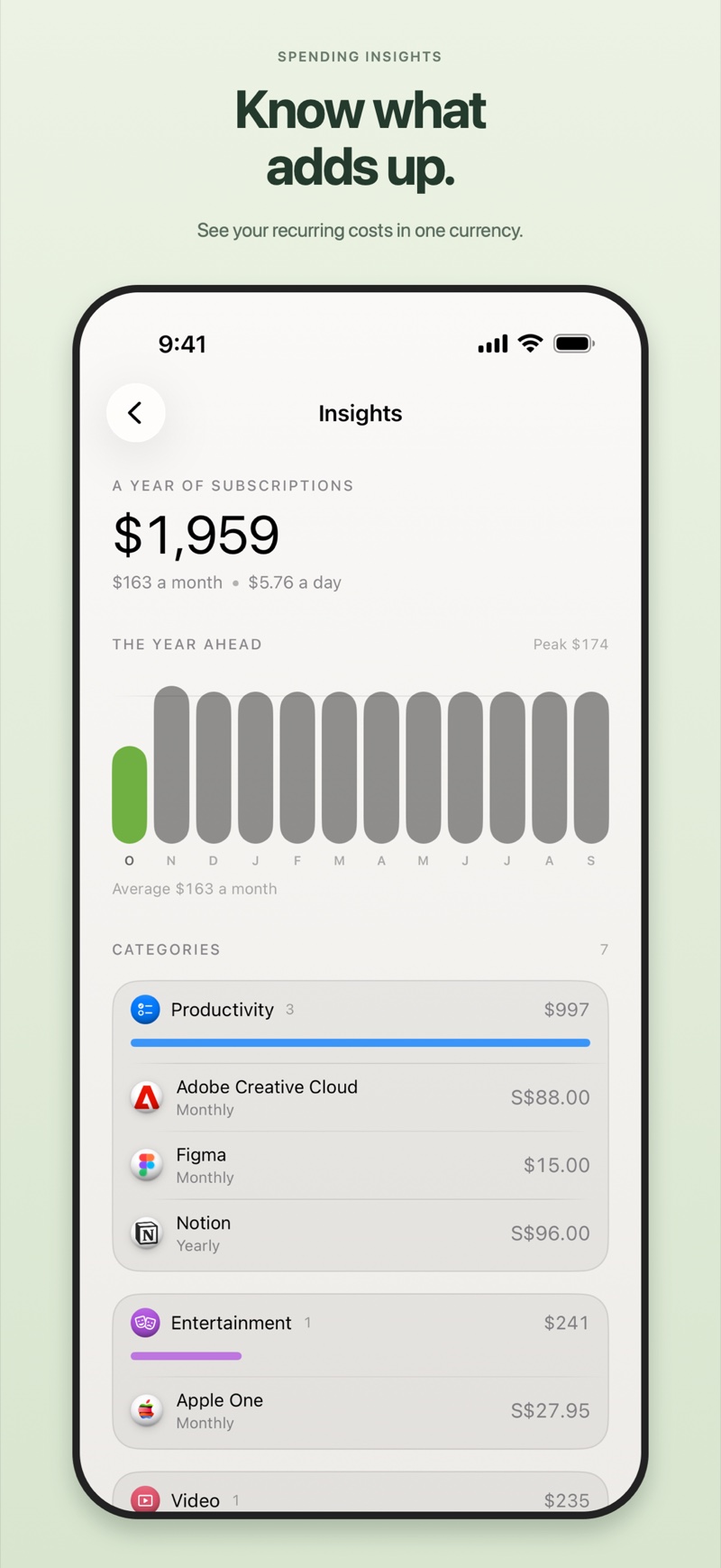
A few subscriptions can add up quickly. See monthly equivalents, total spending, and upcoming costs together, with insights that help you understand where your money goes.
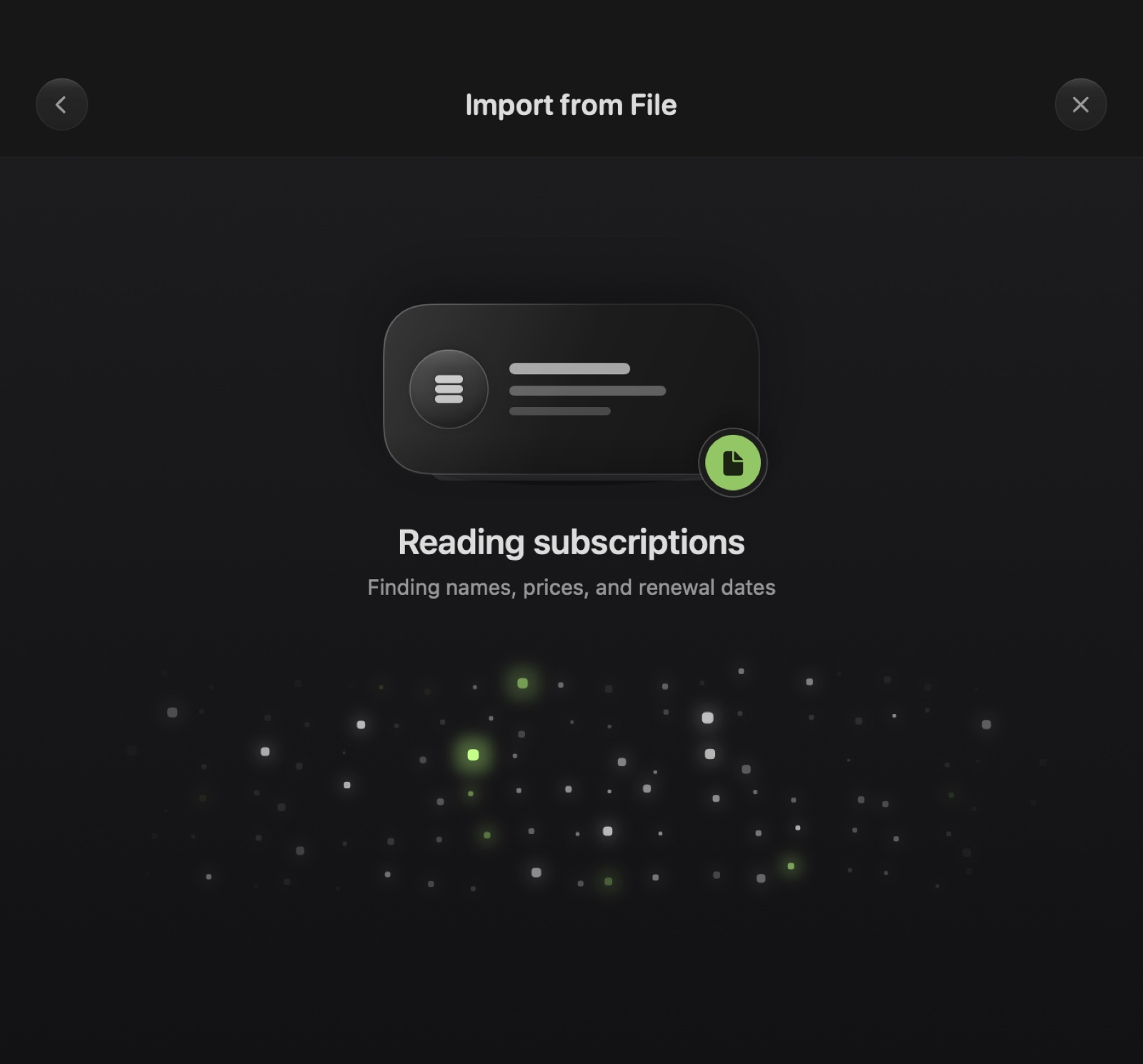
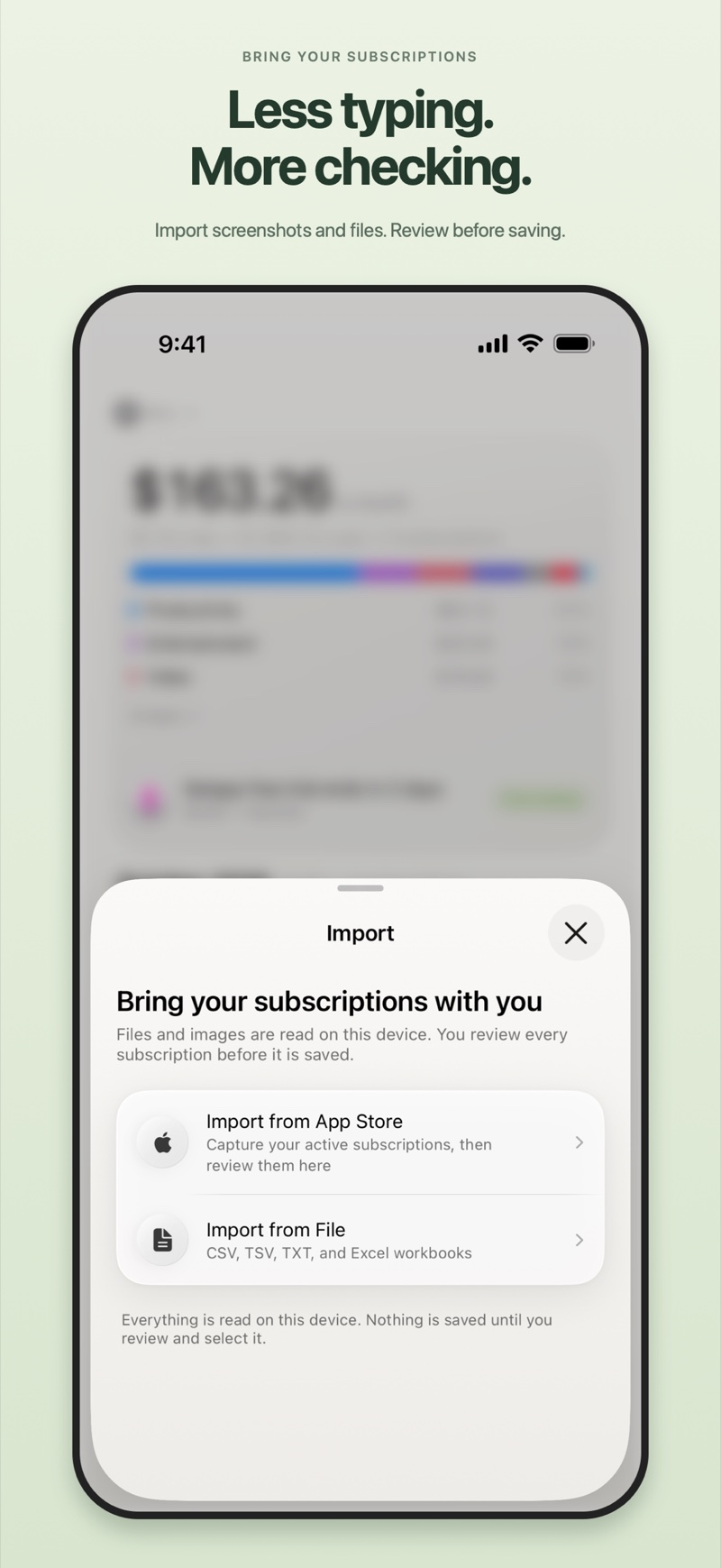
Bring your subscriptions in from App Store screenshots or supported files. Review the amounts, currencies, dates, and possible duplicates before adding them to your calendar.
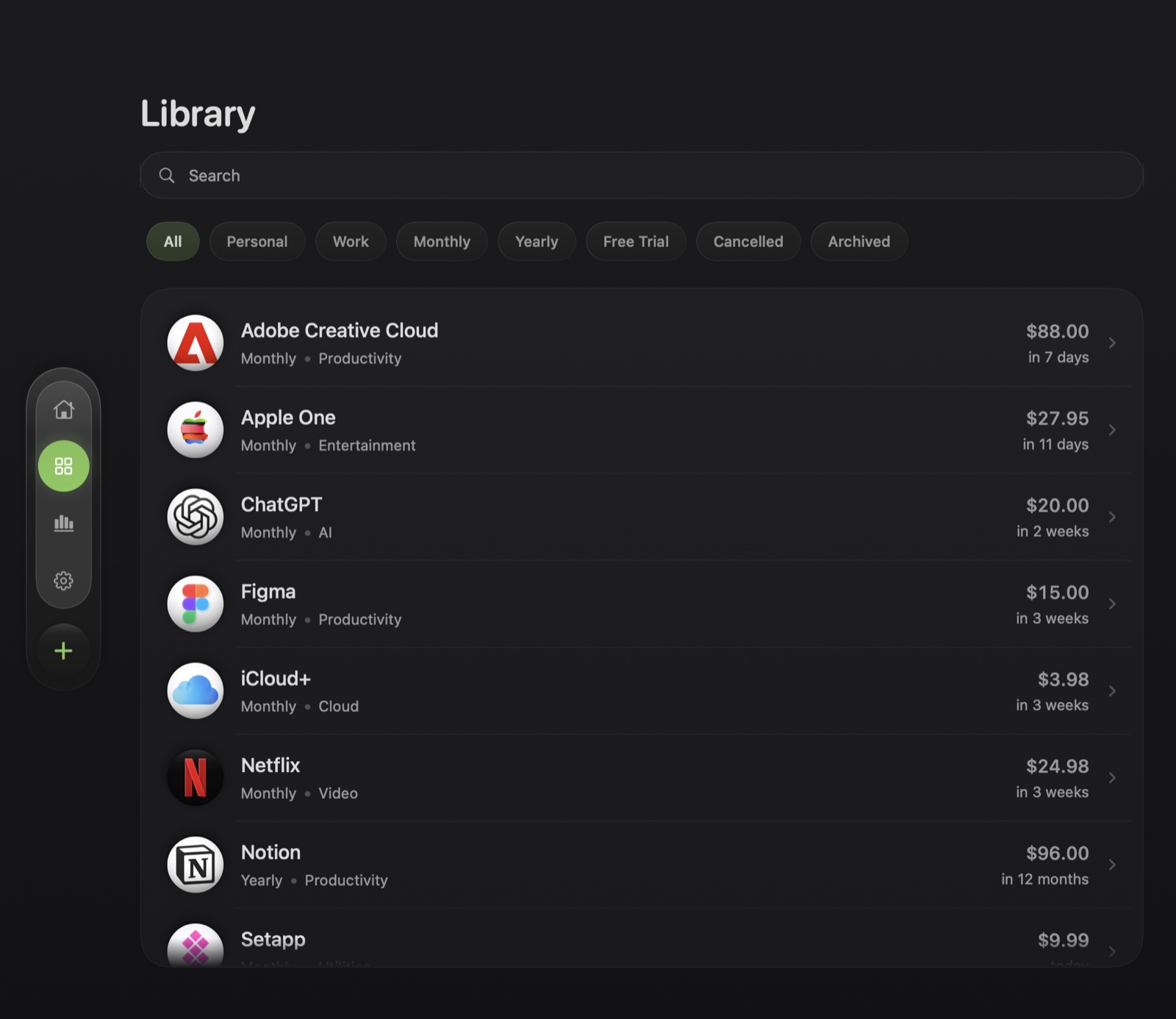
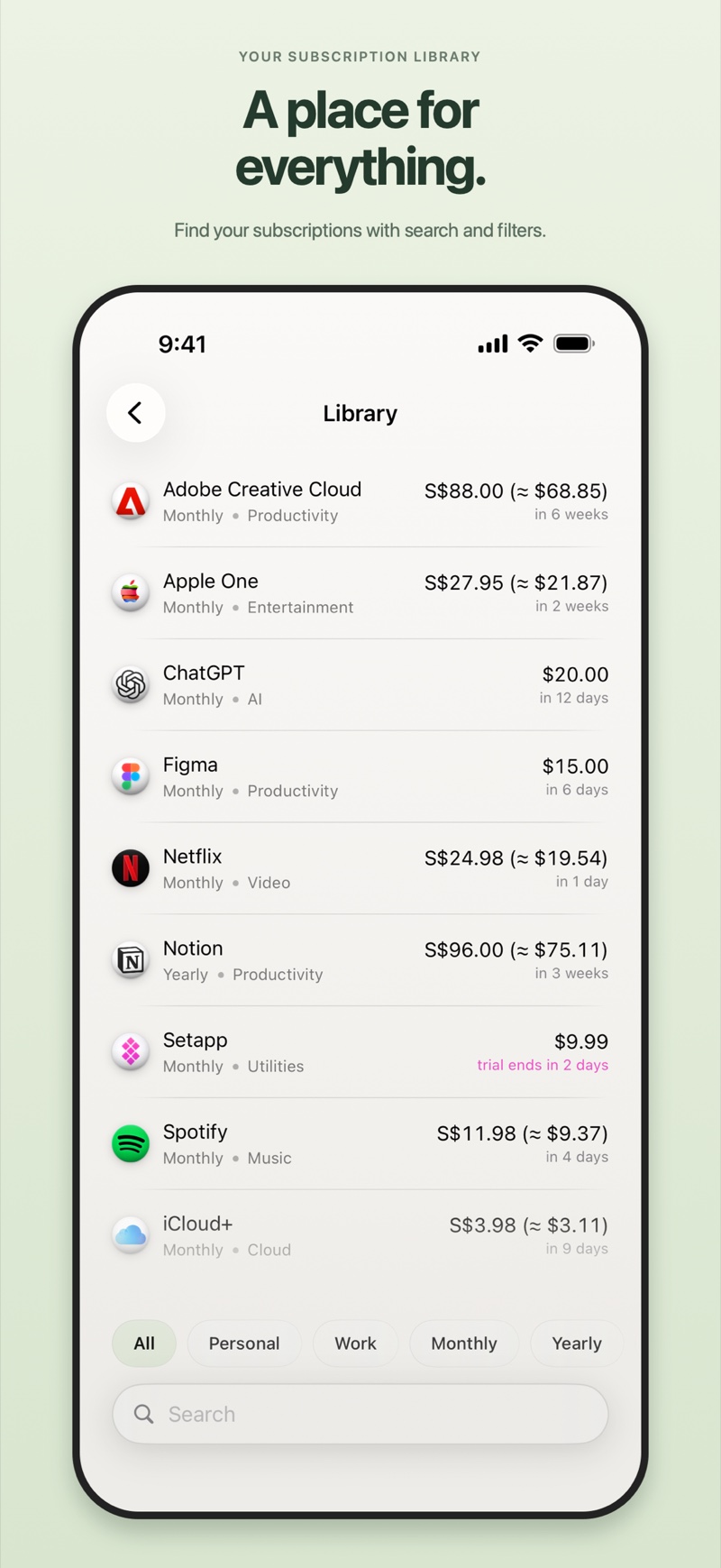
Separate work from personal subscriptions with lists and categories. Find a service with search, narrow the view with filters, and, with Pro, use optional iCloud sync to keep your subscriptions with you on iPhone and Mac.
Core Features
See upcoming payments by date with recognisable service logos. Select a day to review its renewals or add a subscription.
Search for a service in the catalogue, or add one of your own with a resolved logo. Keep the name and billing details together.
Track weekly, monthly, every two months, quarterly, half-yearly, yearly, and custom billing periods.
Choose first and second reminders, their timing, and which subscriptions should notify you.
Record each service in its billing currency and view converted equivalents in your main currency.
Review monthly equivalents, total spending, and upcoming costs. Pro adds Worth Knowing findings based on your renewal schedule.
Keep your next renewal, upcoming list, or renewal calendar in view with small, medium, and large widgets.
Bring in App Store subscription screenshots and CSV, TSV, TXT, or XLSX files. Review everything before saving. Essential includes one completed import; Pro unlocks unlimited imports.
Find a service quickly and filter your library by status. Keep active, cancelled, and archived subscriptions organised.
Separate personal and work subscriptions, group services by category, and filter your calendar.
Keep the payment method and useful notes alongside each subscription.
Track trial ends, cancellation dates, and how long access lasts. Cancel the service with its provider; the app helps you track it.
Available with Pro, optional iCloud sync keeps your subscriptions available across your Apple devices.
A considered appearance in both modes, with recognisable service logos and clear date indicators.
Export your subscriptions as CSV when you need a copy or want to use your data elsewhere.
Pricing
Track up to five active subscriptions and complete one import free. Pro is a one-time purchase for iPhone or Mac.
Family $9.99 · Up to 6 people
No subscription. Lifetime access on iPhone and iPad.
USD prices. Local pricing varies. iOS and Mac upgrades are sold separately.
Family $14.99 · Up to 6 people
No subscription. Lifetime access on Mac.
USD prices. Local pricing varies. iOS and Mac upgrades are sold separately.
No. Subscription Calendar tracks your plans and reminds you of important dates. You still cancel with the service provider or through the App Store. Recording a cancellation in the app does not cancel the service itself.
Yes. Each subscription keeps its billing currency, while summaries and equivalent amounts use your chosen main currency.
Choose App Store subscription screenshots or a supported file. The app prepares a review and flags details that need checking. Essential includes one completed import; Pro unlocks unlimited imports.
Yes. The app supports iOS 18 and later and macOS 15 and later. Each platform is sold separately. Pro includes optional iCloud sync, while widgets are available on both.